

How Google AI picks better local ad photos, what it means for Google Business Profile ads, and how to prepare stronger images for local search.
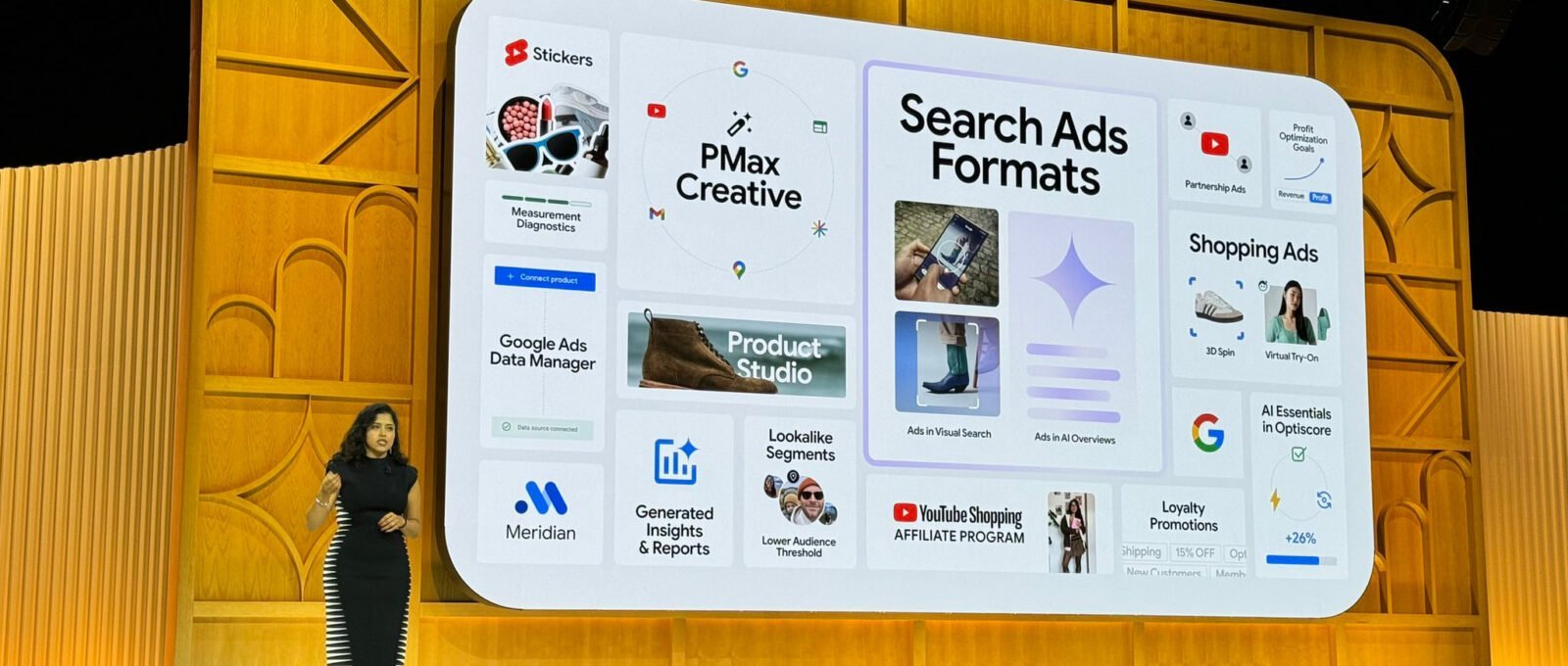
Google Ads In AI Overviews AI Shopping Ads Brand Profile Ads
How Google AI Picks Better Local Ad Photos

- Updated:
- 4 minute read
- 2 Comments
Google AI local ad photos are part of how Google can automatically choose images for some local advertising experiences. Instead of a business manually testing every crop, machine learning can pick photos that better match what a searcher seems to want – a menu shot for dinner queries, a storefront for “near me” navigational intent.
This guide explains what that means for Google Business Profile owners and local advertisers in the United States, Canada, the United Kingdom, Australia, and Europe, and how to prepare a photo set that AI can use well.

What Google is trying to solve
Local ads and profile surfaces need images that load fast and feel relevant. A florist showing only a dim warehouse photo wastes the click. Google has invested in AI that understands image content and query intent so the creative can change with the search.
Businesses still supply the raw photos. AI does not invent a trustworthy storefront out of nothing. Thin stock that looks nothing like your location can hurt more than it helps when users arrive and feel misled.
How to prepare photos for AI selection
- Shoot real rooms, products, and team photos with permission
- Use bright, sharp images without heavy filters
- Include exterior, interior, product close-ups, and people where appropriate
- Avoid collages, watermarks, and unreadable text overlays
- Update seasonal photos so summer menus do not appear in December
| Photo type | Good for | Skip |
|---|---|---|
| Storefront | Directions and recognition | Blurry night shots only |
| Product / plate | Shopping and dining intent | Overloaded graphics |
| Team at work | Services trust | Selfies with messy backgrounds |
| Before/after | Trades and beauty | Misleading edits |
Ads, Business Profile, and consistency
Keep the same brand look on your website, GBP photos, and social links. When Google surfaces an AI-chosen image next to your name, the landing page should match. Add social profile links so customers can verify you. See how to add social links on Google Business Profile.
Measurement tips
In Google Ads and Business Profile insights, watch calls, direction requests, and conversions after creative changes. If AI-selected images raise clicks but cut conversions, your photo may oversell. Replace misleading hero shots.
However, do not change every asset daily. Give systems time to learn. Document what you uploaded and when.
Privacy and staff photos
Get consent before publishing identifiable staff and customers. Children’s faces need extra care. Blur license plates when needed. EU and UK GDPR-style duties still apply when photos identify people.
Also compress images without destroying quality. Huge files slow mobile users in rural Australia or on US networks with weak signal.
Practical weekly workflow
Each week add two genuine photos from the floor. Remove outdated promotions. Check that the primary category still matches what images show. A dental office should not lead with a random stock skyline.
In addition, write alt text and filenames that describe the scene. That helps accessibility and gives systems cleaner signals.
For wider local SEO context see Google Business Profile for local SEO.
Photo briefs your photographer or phone can follow
Write a one-page brief: exterior at eye level, interior wide, three product heroes, one team-at-work shot, one accessibility feature if you have it. Shoot horizontal and vertical. Google surfaces crop differently on Maps and ads. Name files with location and date so you can retire last year’s festival banner. Reject photos with other brands’ logos dominating the frame.
For multi-location brands, tag images by store code. An AI system that picks a Miami patio for a Montreal winter query will confuse customers. Upload snow-season exteriors for cold cities and shade-rich exteriors for hot climates in Australia and the US South. Recheck monthly. A renovation that changes your facade should trigger a photo flush within a week.
Measure assisted conversions, not only clicks. If directions requests rise while phone calls fall, your image may emphasize walk-ins over appointments. Adjust the hero set. Keep a shared drive of approved images so franchisees in Canada and the UK do not upload low-quality duplicates that dilute the brand.
Putting the advice into a 30-day routine
Week one is for baselines. Write what you do today without judgment: drinks, sleep, rides, posts, rideshare trips, skincare steps, or research sources you already trust. Week two is for one change only. People fail when they rebuild an entire life on a Monday. Week three is for measuring. Use a note on your phone with three numbers that matter for this topic, such as sugar grams, water bottles, ride hours, or hashtag clicks. Week four is for editing the plan. Keep what worked in the United States winter as carefully as what worked in an Australian summer, because climate and schedules differ.
Share the plan with one other person when habits involve households, dogs, teams, or clinics. Accountability is not nagging when it is specific. Ask a pharmacist, trainer, or colleague only for the slice they know. Ignore comment sections that promise overnight transformation. Search rankings and health markers both move with boring consistency. If you travel between the UK and the EU, or between Canada and the US, pack the portable version of the habit: a bottle, a checklist, a saved offline ticket, or a downloaded article from a trusted .gov or .nhs source.
Review official guidance quarterly because recommendations update. Replace screenshots with links. When an influencer contradicts a national health institute or a primary regulator, prefer the institute. Teach teenagers in the home the same rule so viral charts do not override labels and clinical advice. Finally, write a short “stop rule”: the point at which you will see a professional rather than invent another DIY layer. That stop rule is part of being informed, not a failure of willpower.
Questions about Google AI local ad photos
Can I turn AI photo selection off?
Controls depend on the campaign type and Google’s current advertiser settings. Check Ads and Business Profile documentation for your account type.
Should I only use professional photography?
Professional help helps, but authentic phone photos of real service often beat generic stock.
Do AI-chosen photos replace reviews?
No. Reviews, categories, and accuracy still drive trust.
What aspect ratio works best?
Follow Google’s current image specs for the product you use. Keep important subjects centered for automatic crops.
I really enjoyed this post. Your detailed analysis and clear explanations make it easy to follow along and understand the concepts. I appreciate the time and effort you put into researching and writing this. It’s a great resource for anyone interested in the topic.
Thank you I have just been searching for information approximately this topic for a while and yours is the best I have found out so far However what in regards to the bottom line Are you certain concerning the supply